ux / UI design
Optimizing Business Procurement with Savin Side
COMPANY
Manutan
YEAR
2022
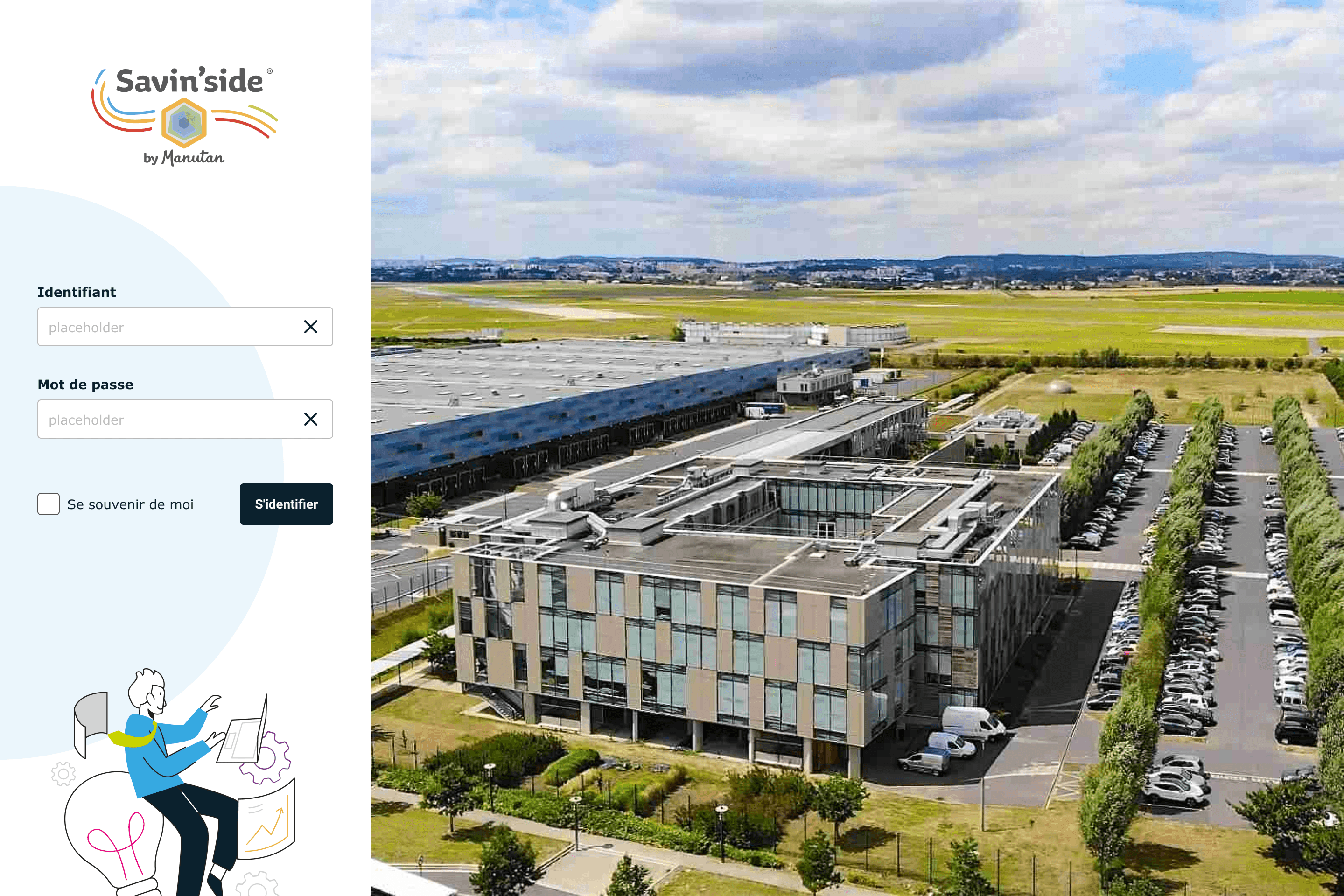

I worked on the complete redesign of Savin Side, a procurement management platform designed to optimize and streamline business purchasing processes. The goal was to rethink the UX and UI to improve user engagement, clarity, and usability, while aligning the interface with user needs and the objectives of procurement teams. The redesign aimed to enhance the purchasing experience, making it more efficient and user-friendly.
Timeline
From explorations to final designs in 4 months while working with multiple projects at the same time
Background
The existing Savin Side platform lacked a clear visual hierarchy and had significant usability issues. Users struggled to navigate and manage procurement tasks efficiently. Key data was difficult to interpret, and the process felt disjointed. The platform needed a more intuitive, modern design that would simplify the purchasing process and provide users with clear, actionable insights at a glance.
User Research
Gathered qualitative data through interviews and surveys with procurement professionals to identify their frustrations and goals related to the purchasing process.
Benchmarking
Analyzed competitors in procurement and purchasing management software to identify best practices in UX/UI design for business platforms.
Personas & Empathy Mapping
Defined key personas in the procurement process and mapped out their emotional context to inform feature prioritization and overall user experience tone.
User Journey Mapping
Visualized the current procurement flow and identified pain points to optimize the app’s structure and task flows.
Wireframes & Prototyping
Created low- and high-fidelity wireframes and an interactive prototype in Figma for testing and validation with real users.
Testing & Optimization
Used Maze to test comprehension, ease of navigation, and user engagement. Iterated on the design based on user feedback to ensure usability.
The redesign of Savin Side improved user efficiency by reducing task completion time by 15%. Smart alerts and recommendations increased decision-making speed, resulting in a 10% improvement in procurement accuracy. Overall, the new design led to a 20% increase in user engagement and contributed to more efficient purchasing outcomes.
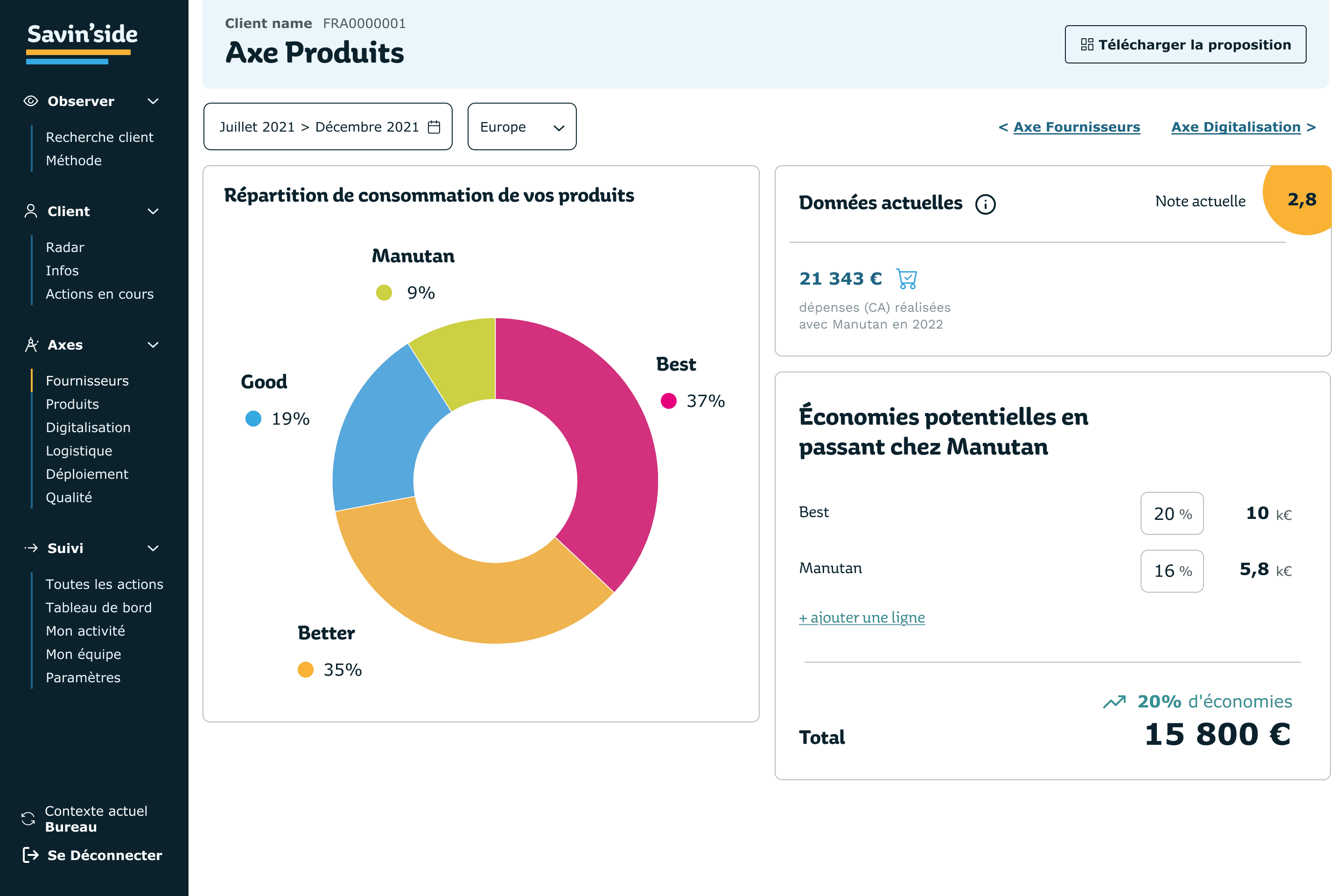
Personalized Dashboard
A dynamic, data-driven dashboard that provides users with a clear overview of procurement activities, tailored to their specific needs.
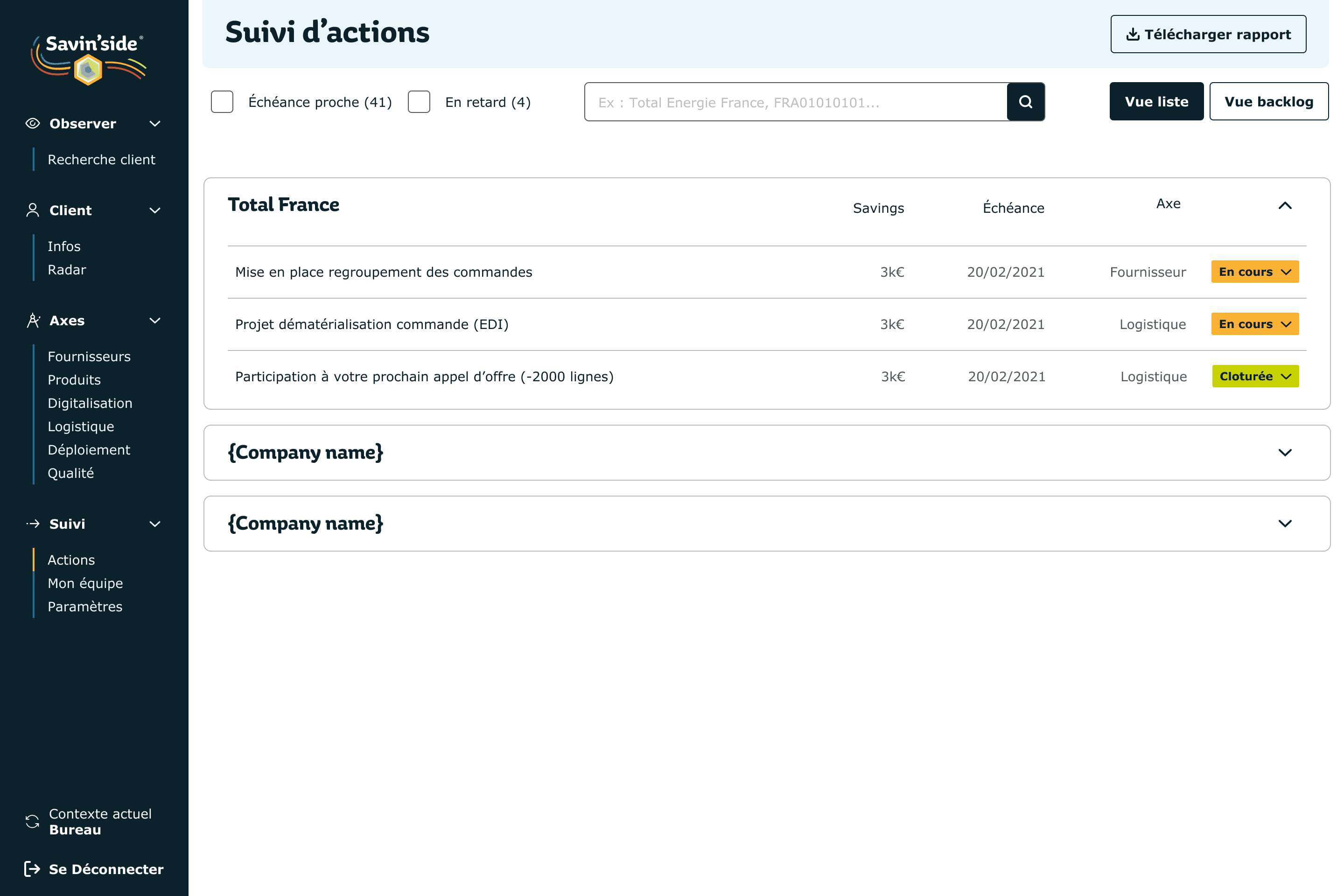
Streamlined Navigation
Simplified navigation that reduces clutter and makes key tasks and features easily accessible, enhancing overall usability.
Smart Alerts & Recommendations
Intelligent alerts and purchase recommendations that help procurement teams make informed, data-driven decisions.
Modern & Accessible Design
A visually appealing and modern design that is easy to navigate, ensuring accessibility for all users.